Flow Chart
System.Activities.Statements.Flowchart
Description
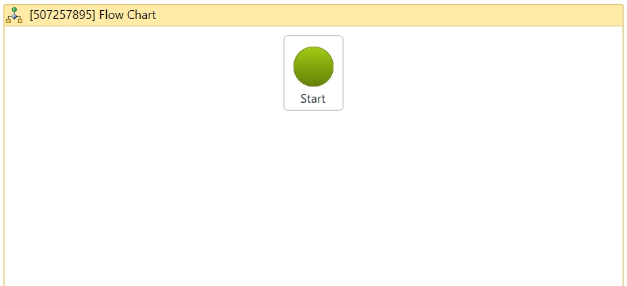
You can use flowchart for many different activities, from large to small and also apply to other projects if needed. From the start button, you can add activities to create the work flow.
(* for Mandatory)
Properties
Misc
- Public (Checkbox) - If you check it, the data of this activity will be shown in the log. Be careful, consider data security before using it.
- Display Name (String)- The name of this activity. You can edit the name of the activity to organize and structure your code better.
E.g: [169542635] Flow Chart - Validate Unconnected Nodes (Checkbox) - Check this if you want to be alerted when there are unconnected nodes to the workflow.