Create Group
RCA.Activities.ActiveDirectory.CreateGroup
Description
Creates a new group in Active Directory.
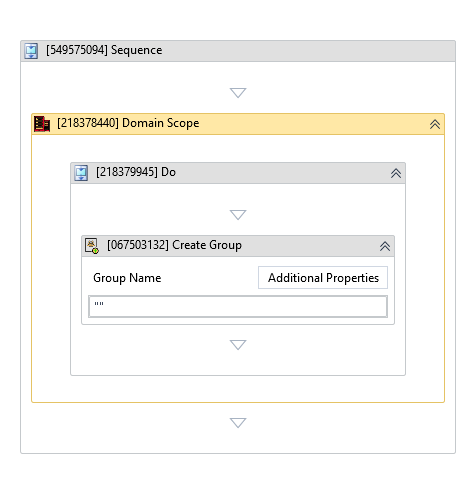
(*For mandatory)
In the body of the activity
- Group Name - The name of the group you want to create.
- Additional Properties - Click to set additional properties for the group.
Properties
Common
- Continue On Error (Boolean) - A Boolean variable has two possible values: True or False.
- True: allows the rest of the process to continue the execution even an error occurs within the activity.
- False: blocks the process from continuing the execution.
Input - Group Info
-
Additional Properties:
Dictionary<String,Argument>- Additional properties for the group. -
Group Name:
InArgument<String>* - The name of the group you want to create. -
Group Scope: GroupScope - Specifies the scope for this group principal (Local, Global, Universal)
-
Is Security Group:
Nullable<Boolean>- Indicates whether the group is security-enabled (True - Security group, False - Distribution group).
Misc
-
Public (Checkbox) - Check if you want to public the activity. Remember to consider data security requirement before using this property.
-
Display Name (String) - The name of this activity. You can edit the name of the activity to organize and structure your code better. E.g: [3424325] Create Group