Assign Agents
Assign Agents
You can assign agents and set their permissions by following the below steps:
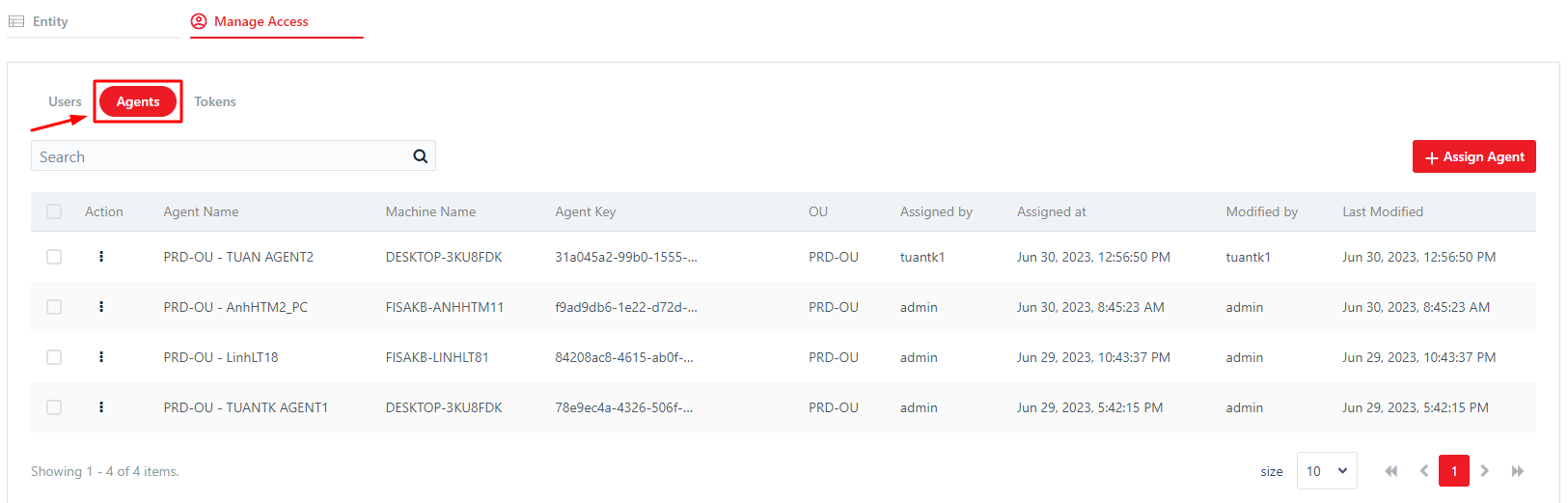
Step 1: In Manage Access, selectAgents tab
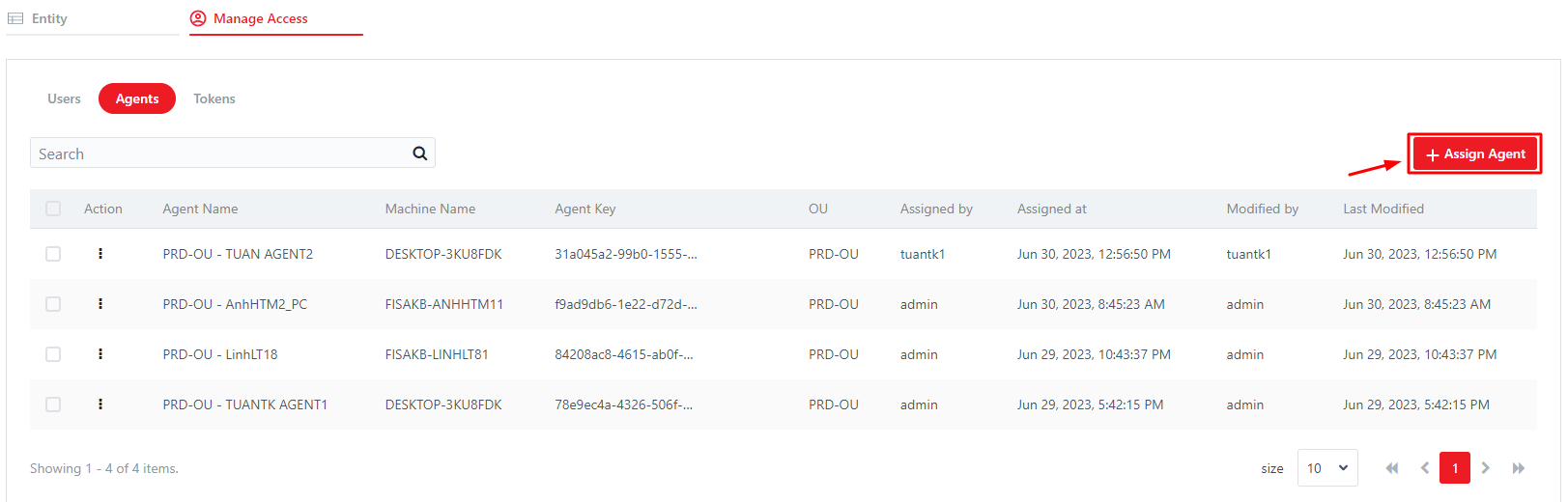
Step 2: Click Assign Agents
Step 3: In the opened popup, select desired agents and their permissions.
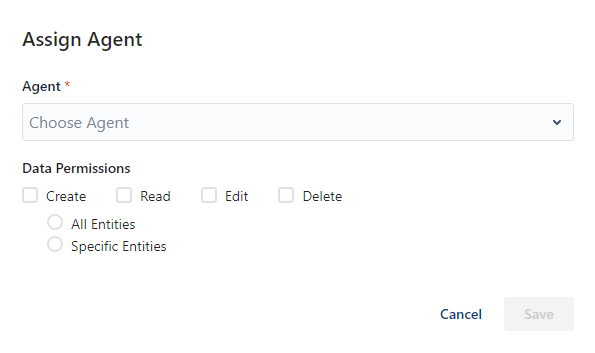
Step 4: Click Save.
The newly added agents are displayed in the Agents list of the Manage Access tab.
Edit Agents
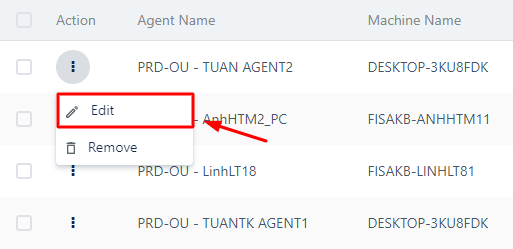
You can edit the custom permissions of an agent by selecting Action icon button, then clicking Edit.
Remove Agents
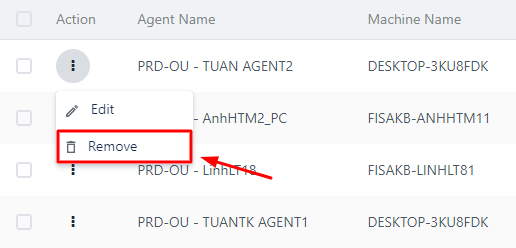
You can remove an agent from Data Service by selecting Action icon button, then clicking Remove.