ST-USG-026 - Activity Restrictions
Rule ID: ST-USG-026
Scope: Activity
Description
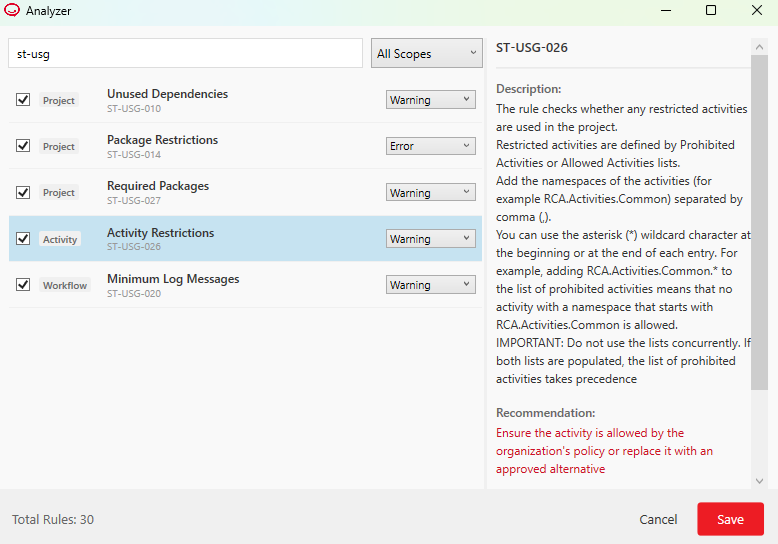
The rule checks whether any restricted activities are used in the project. Restricted activities are defined by Prohibited Activities or Allowed Activities lists.
- Prohibited Activities - Activities that are not allowed in the project. All activities that are not on this list can be used in the project.
- Allowed Activities - Activities that are allowed in the project. Only the activities that are on this list can be used in the project.
Recommendation
Ensure the activity is allowed by the organization's policy or replace it with an approved alternative
Modifying the Rule
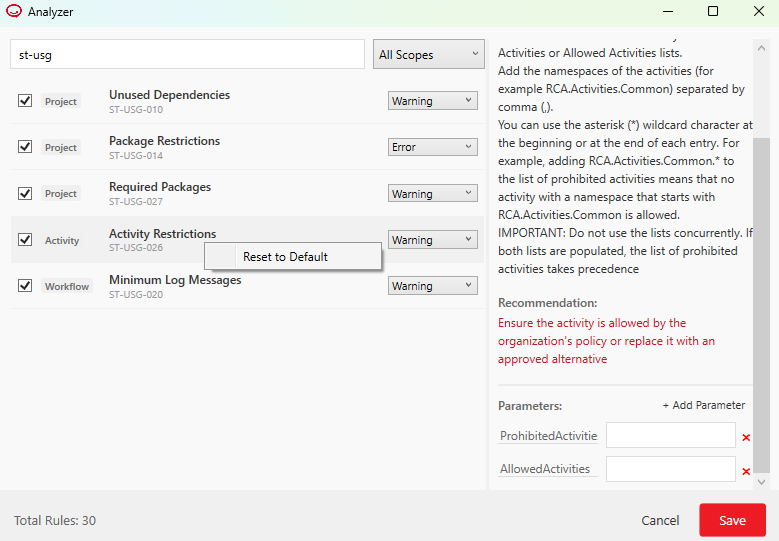
In the ribbon, click the Analyze button dropdown and select Analyze Settings to open the Analyzer window. Find and select the rule, and then define the restricted activities using either the ProhibitedActivities list or the AllowedActivities list. When modifying the rule:
- Add the namespaces of the activities (for example
RCA.Activities.Common) separated by comma (,). - You can use the asterisk (
*) wildcard character at the beginning or at the end of each entry. For example, addingRCA.Activities.Common.*to the list of prohibited activities means that no activity with a namespace that starts withRCA.Activities.Commonis allowed. - IMPORTANT: Do not use the lists concurrently. If both lists are populated, the list of prohibited activities takes precedence.
Reset to Default
By default, the rule does not restrict the use of any activity. To reset the rule to default, right-click it in the Analyzer window, and then click Reset to default.