Create Entity
All objects created in Data Service are referred to as Entities.
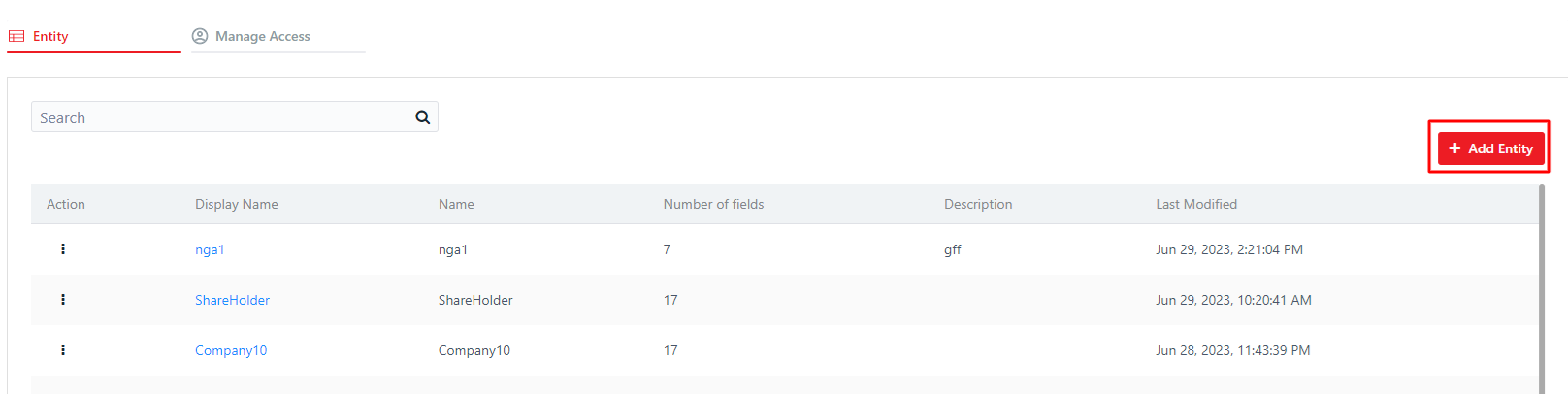
Step 1: To begin, click on the "Add Entity" button
Step 2: Provide the required information.

Step 3: Once you have entered the information, click on the "Save" button.
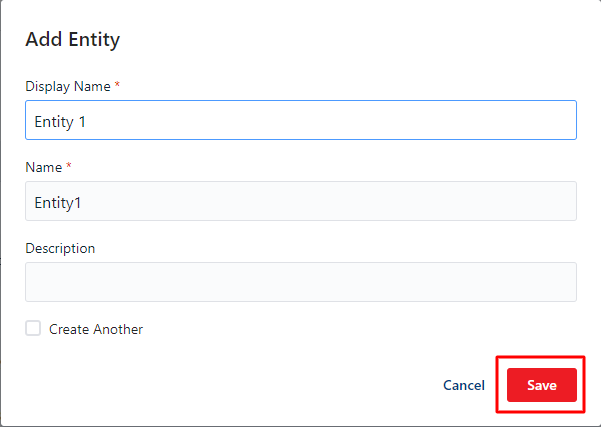
Note: Check Create Another if you want to create add another Entity without closing pop-up