Quota and Data Retention
Monitor Quota
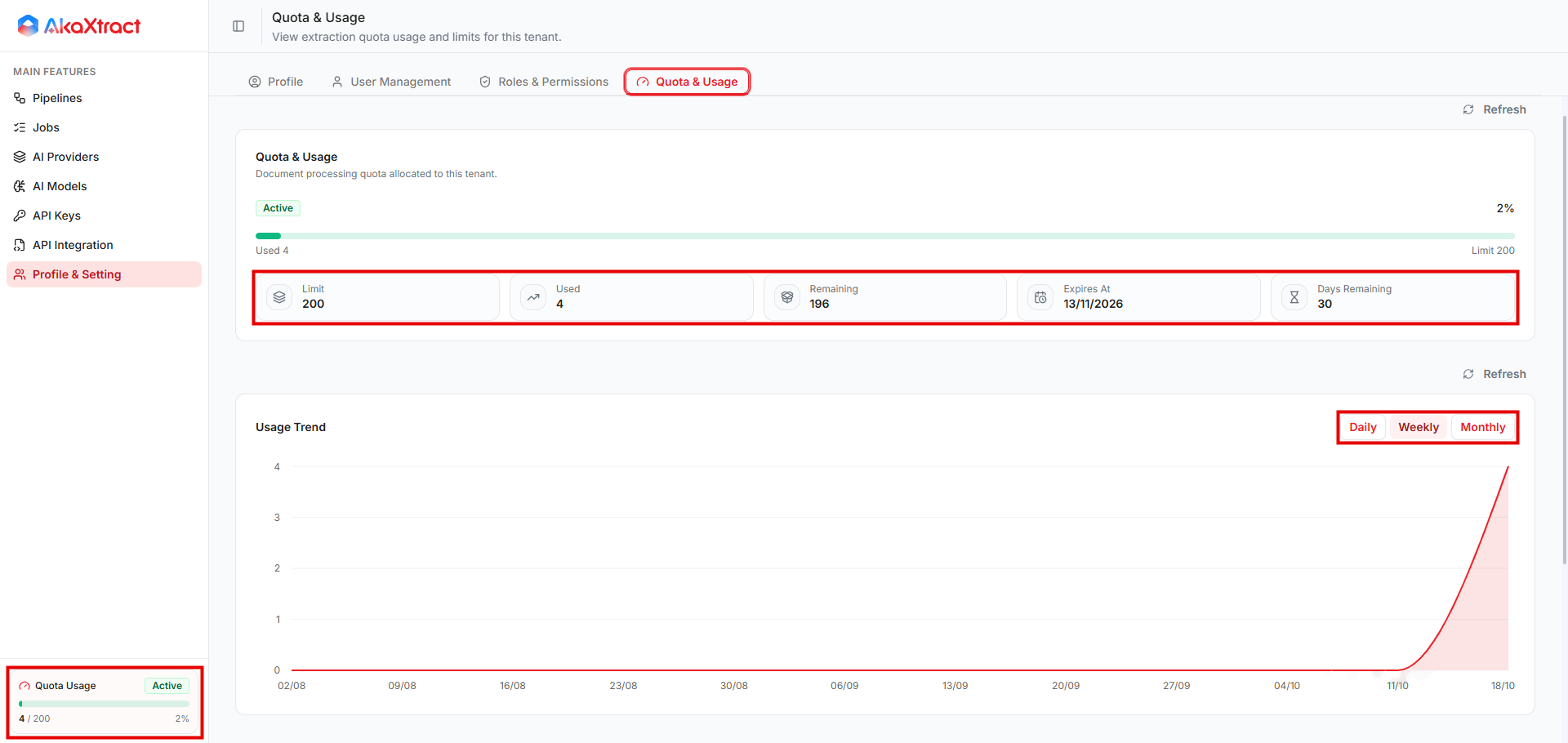
Open Profile & Setting -> Quota & Usage. You need the permission to read quota. The Quota Usage panel at the bottom of the left menu also shows your usage.
| Item | Meaning |
|---|---|
Limit, Used, Remaining | Your quota and how much is used. Quota is counted in pages, not in files |
Expires At, Days Remaining | When the quota ends |
Usage Trend | Usage by Daily, Weekly, or Monthly. Buckets use UTC |
Usage by Pipeline | Which Pipelines use the most |
If the status is Limit Exceeded, Expired, or Not Configured, contact an administrator before you submit more documents. Deleting documents or rejecting results does not return quota. Limits at an AI provider are separate from Remaining.
Set the Retention Period
-
Open the Pipeline, select
More Pipeline Actions(the...button), and selectData Retention.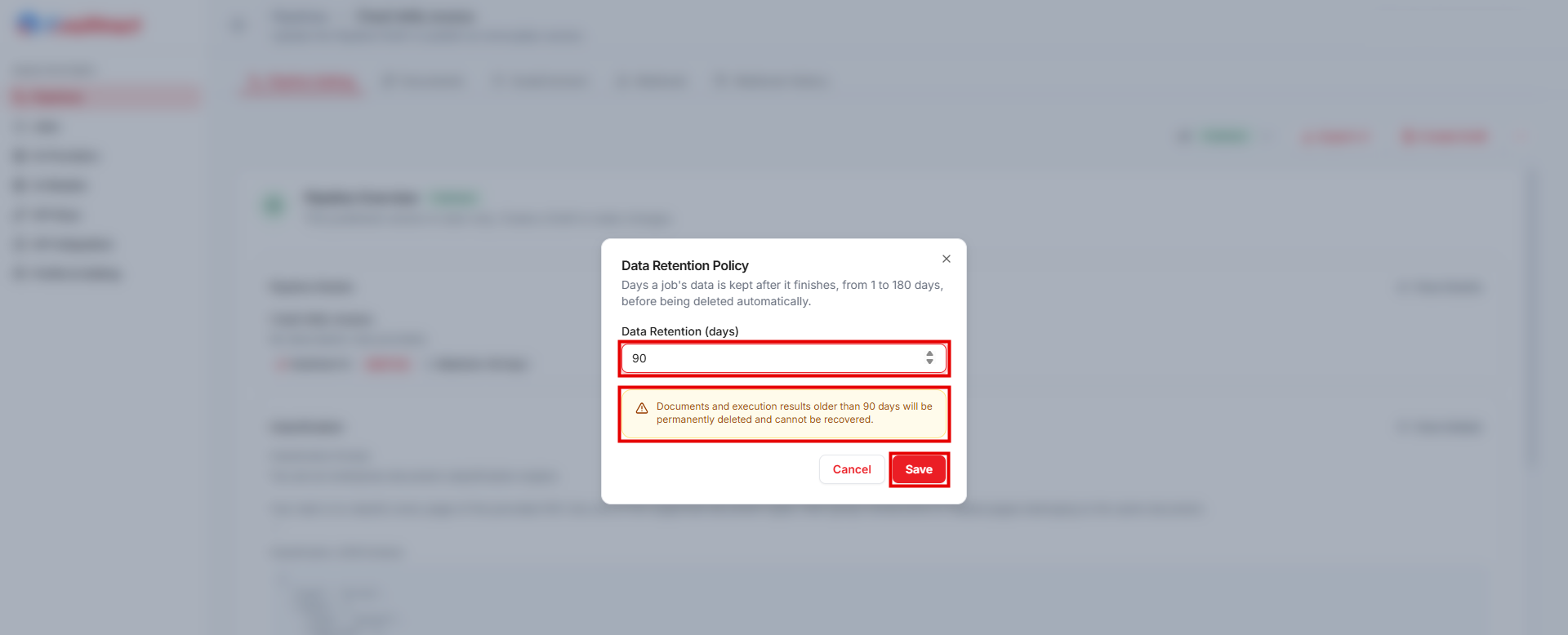
-
Enter a whole number from 1 to 180 days and save.
The setting applies to the whole Pipeline, not to one version. The default is 90 days. Data age is counted from the time the Job completes, and cleanup does not always run at the exact moment of expiry. Before you shorten the period, export the data that you need to keep.
Delete Data
- A Document or Job: select
Deleteon its row and confirm. You need the permission to cancel Jobs. You cannot delete a Document while it isReviewing. - A Pipeline: select
Delete Pipelinein the...menu and confirm. This permanently deletes the Pipeline, all of its versions, and related Processing Jobs. Related data is cleaned up in the background.
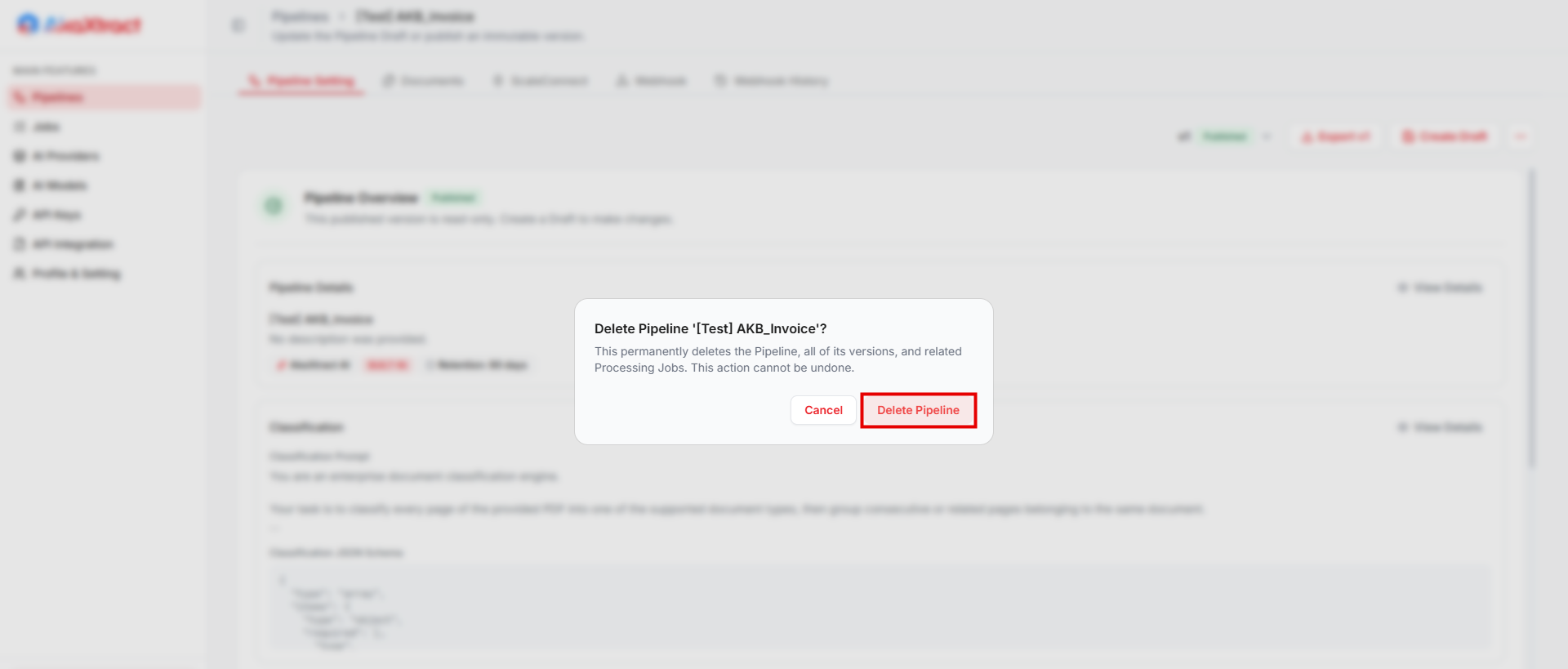
Deletion cannot be undone in the interface. Deleting a Document or Job removes the document, the run, the results, and the stored file. Deleting a Pipeline removes the Pipeline, all of its versions, and related Jobs. Expired data is cleaned up in the same way. Deleting does not recall copies that were already exported or sent.